方法一:
使用插件 Classic Widgets 恢复经典小工具
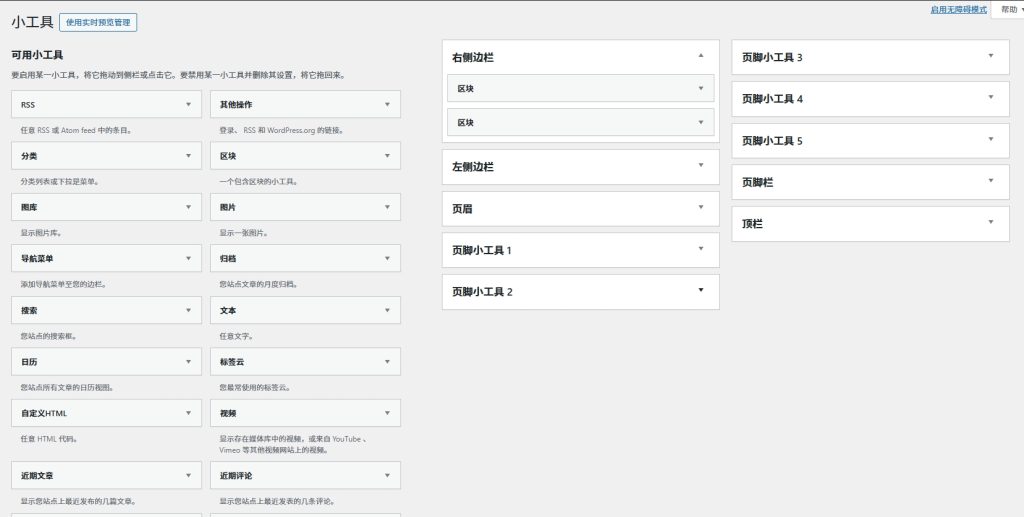
和经典编辑器插件类似,开启这个插件后就直接将外观-小工具恢复到之前的经典小工具界面了。 方法:后台-插件-安装插件,搜索并安装 Classic Widgets 后直接启用。
方法二(推荐)
在主题的functions.php文件最后添加下面代码
// Disables the block editor from managing widgets in the Gutenberg plugin.
add_filter( 'gutenberg_use_widgets_block_editor', '__return_false' );
// Disables the block editor from managing widgets.
add_filter( 'use_widgets_block_editor', '__return_false' );